Stop Burying Course Materials in Personal Browser Bookmarks
When critical reading lists and guides stay locked in individual browsers, teams and students lose access. Learn how to build a collaborative workspace.
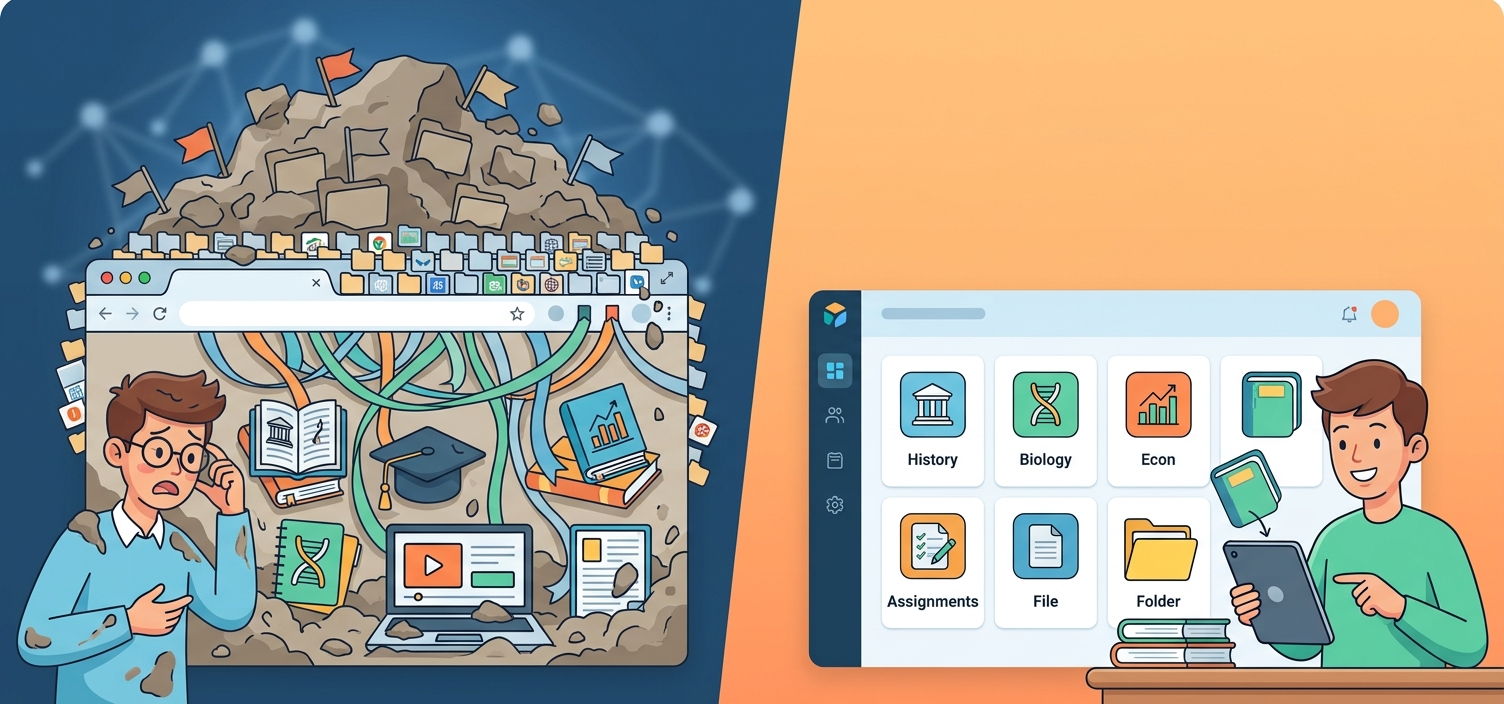
We have all been there: you spend hours tracking down the perfect set of tutorials, academic papers, and reference guides for a course or team training session. You save them to your browser bookmarks, promising yourself you will share them later. But "later" never comes. Instead, those valuable resources remain trapped in your personal browser, invisible to the very students, classmates, or colleagues who need them most.
Why Personal Workarounds Fail Shared Learning
When we need to distribute educational resources, we default to quick fixes. We paste links into chat threads, email long lists that immediately become outdated, or tell people to "just search for it." These workarounds fail for three simple reasons:
- The Chat Scroll: Links shared in chat apps disappear within hours, buried under daily conversation.
- No Central Search: Classmates and colleagues cannot search your personal browser history when they are studying for exams or onboarding.
- Maintenance Fatigue: Updating an emailed list means sending a new version, leading to confusion over which document is current.
To build a resilient learning environment, you need a dedicated space where curated links are organized, searchable, and accessible to everyone at once.
Resolving the Link Silo with LinkBook.io
Rather than letting valuable knowledge gather digital dust, you can use LinkBook.io to build structured, collaborative hubs. LinkBook.io is an AI-powered bookmark manager designed to turn isolated links into shared knowledge bases through dedicated workspaces.
By moving your resources to LinkBook.io, you can leverage private team workspaces for internal classes, public workspaces for open-access guides, and automatic email notifications that alert your team the moment a new resource is added. It transforms bookmarking from a solitary habit into a collaborative asset.
A 4-Step Plan to Build Your Shared Resource Hub
Setting up a collaborative reading list or training directory takes less than ten minutes. Follow this sequence to get your team or classroom aligned:
- Create your workspace: Sign up at LinkBook.io. Create a new workspace and choose your privacy setting. Use a private team workspace for internal training and classrooms, or a public workspace if you want to share your curated guide with the wider world.
- Populate the first 10 essential links: Import your existing browser bookmarks or use the LinkBook Chrome or Edge extension to save resources as you browse. Ensure each link has a clear, descriptive title so users know exactly what they are clicking.
- Invite your collaborators: Use the member management tools to send team invites to your students, co-teachers, or colleagues. Once they join, they can search, filter, and sort the workspace to find what they need instantly.
- Enable notifications and publish: Turn on email notifications so members are automatically alerted when new links are added. If you have built a public guide, you can even showcase it in the Workspace Store to help other educators and learners discover your curation.
Who Should Act Now, and What to Consider
Teachers, trainers, and project leads who are currently managing active courses or onboarding new team members should set up a workspace immediately to stop the leak of valuable reference materials. Students preparing for group exams will also find immediate value in a shared study workspace.
However, if your team already uses a heavy, fully integrated learning management system (LMS) with built-in link tracking that everyone actively uses, you may want to wait until your current course cycle ends before migrating your workflows. Keep in mind that while LinkBook.io offers unlimited personal bookmarks on its free plan, collaborative team workspaces and advanced features are best optimized by reviewing their premium options on the LinkBook.io plans page.
Takeaway
Knowledge is only valuable when it is accessible. Keeping course materials locked in personal browser folders limits your team's potential. By moving your reading lists and training guides into a structured, collaborative workspace on LinkBook.io, you ensure that every student and colleague has the resources they need to succeed.
Next action: Head to LinkBook.io, create a free account, and set up your first shared workspace for your current project or class today.
Start organising your bookmarks with AI - free forever
Join thousands of researchers, students and teams using LinkBook.io to save, summarise and rediscover the web with AI.